











Table of contents
Introduction
Microsoft Project, sometimes referred to as MS Project, is a powerful project management tool in the right hands and with the right knowledge. Ever asked yourself what makes MS Project the effective tool it is for managing project schedules? Let’s look at some of the advantages MS Project brings to your project management toolkit as a project manager.
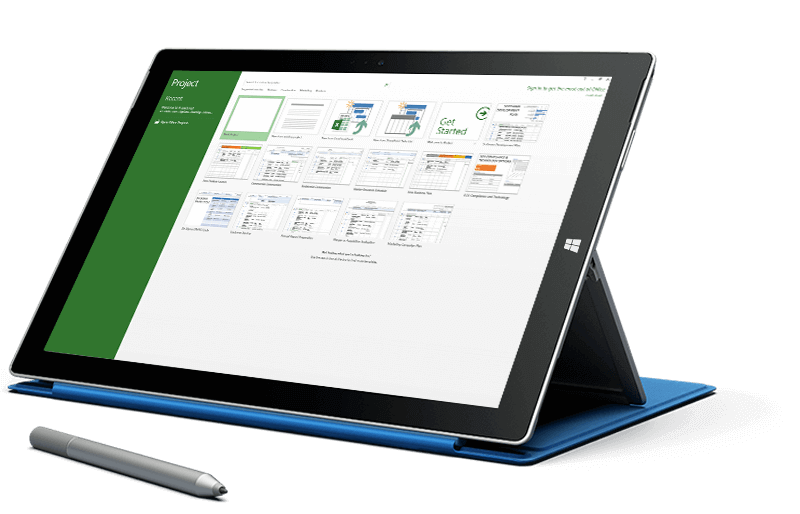
You’ve worked in this familiar UI.
Microsoft is dominant in the business landscape, and the majority of project scheduler users are familiar with MS software. If you have ever used Microsoft Excel or any Microsoft solution, you will feel at ease in MS Project.
A UI that puts you at ease is an essential first step in leveraging a tool productively and effectively. And, of course, as part of the MS Office 365 suite, Project integrates with all your favorite Office tools. This includes some project essentials such as MS Teams, SharePoint Online, Power BI and Skype.
It scales to your needs.
Microsoft offers a range of Project versions, including cloud and on-premises solutions. What this means is that you get to work with one that is as streamlined or as complex as you like. While other solutions skew towards one end of the spectrum or the other, MS Project offers something for everyone, whether you are someone who wants to get up and running quickly in the cloud or a PM who needs a much more complex, enterprise-grade tool.
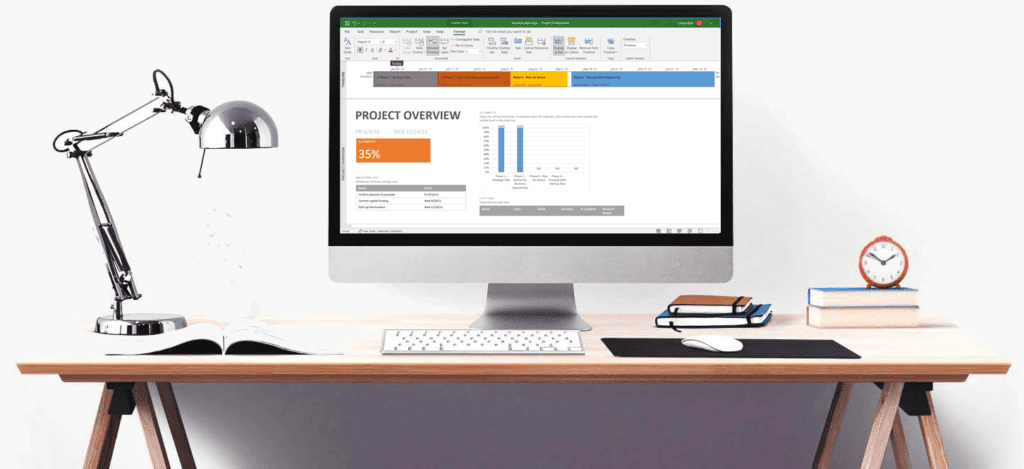
Reports, reports, reports.
Much has been said about the detail in MS Project’s reports and the ease with which you can generate the reports you need. All of that is true. The emphasis is on usability when it comes to reports, and it doesn’t take an experienced user to generate reports with the data you need and the visual elements necessary to translate that data. What’s more, the reports you end up with look professional and you can share them easily with users across your enterprise or company.
MS Project can be customized to your needs.
Every PM has their own methodology, and there is certainly no end to the PM methodologies out there. MS Project offers support for any approach you might take, whether its Scrum, a custom workflow, or waterfall project management. With a complete suite of customized features, you can rest assured that you will be able to tailor MS Project to be an exact fit for your preferred methodology.
You get effective resource management in Project.
Given that many resource managers function as a separate entity from PMs, many of today’s PM solutions do not include resource management tools. MS Project does, and the offering is pretty comprehensive. With the resource management features in Project you can carefully organize team members by capacity and role, assign tasks, and manage other work resources, including materials and equipment.
Keep in mind you will need to choose the right version to enjoy MS Project’s resource management features; resource management in MS Project is available starting at the Project Plan 3 level for cloud-based versions and in MS Project Professional or Server with on-premises solutions.
The Gantt View delivers the ideal PM perspective.
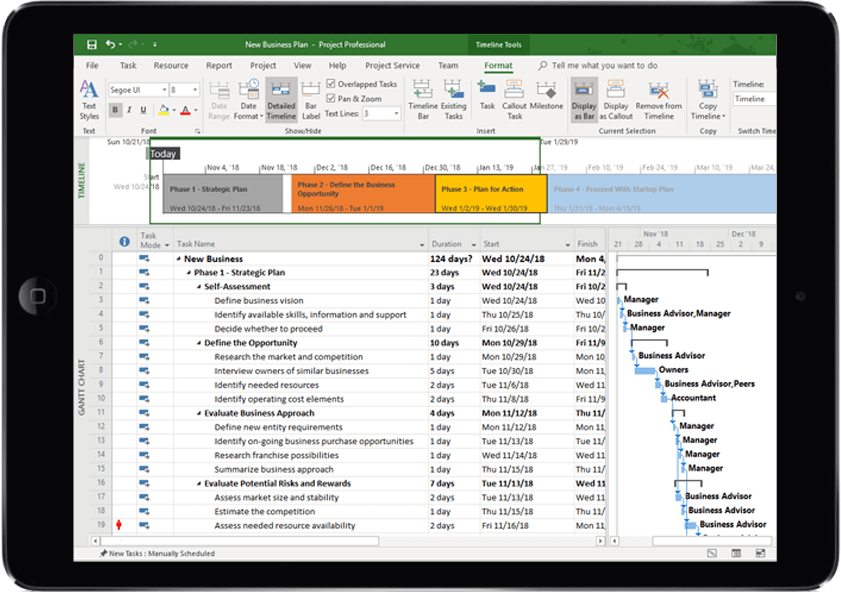
The default view in every new project is MS Project’s Gantt Chart. The Gantt Chart view delivers a wide range of possibilities to your project management efforts. For one, it’s a highly effective way to get a bird’s eye view of how resources and projects are tracking overall.
It also is the easiest way out there for you to visualize large-scale projects with hundreds of tasks. With the Gantt view, you will see tasks, dependencies, timelines, and milestones through a single pane of glass. You can even view live budget tracking on individual budgets.
Reviewing project tasks, critical paths, and a team members task list is all possible with the various Gantt views in MS Project. And Microsoft Project is part of the project portfolio management suite Project Online, for serious project management software at the enterprise level.
Conclusion
Microsoft Project is a flexible and adaptive tool for PMs. With a wealth of features, scalability, and tools you cannot find in other PM solutions, Project has the capacity to improve any project manager’s performance. What have your experiences been with MS Project as a project management tool? Tell us about how this Microsoft solution has helped you in your own PM endeavors in the comments below.

