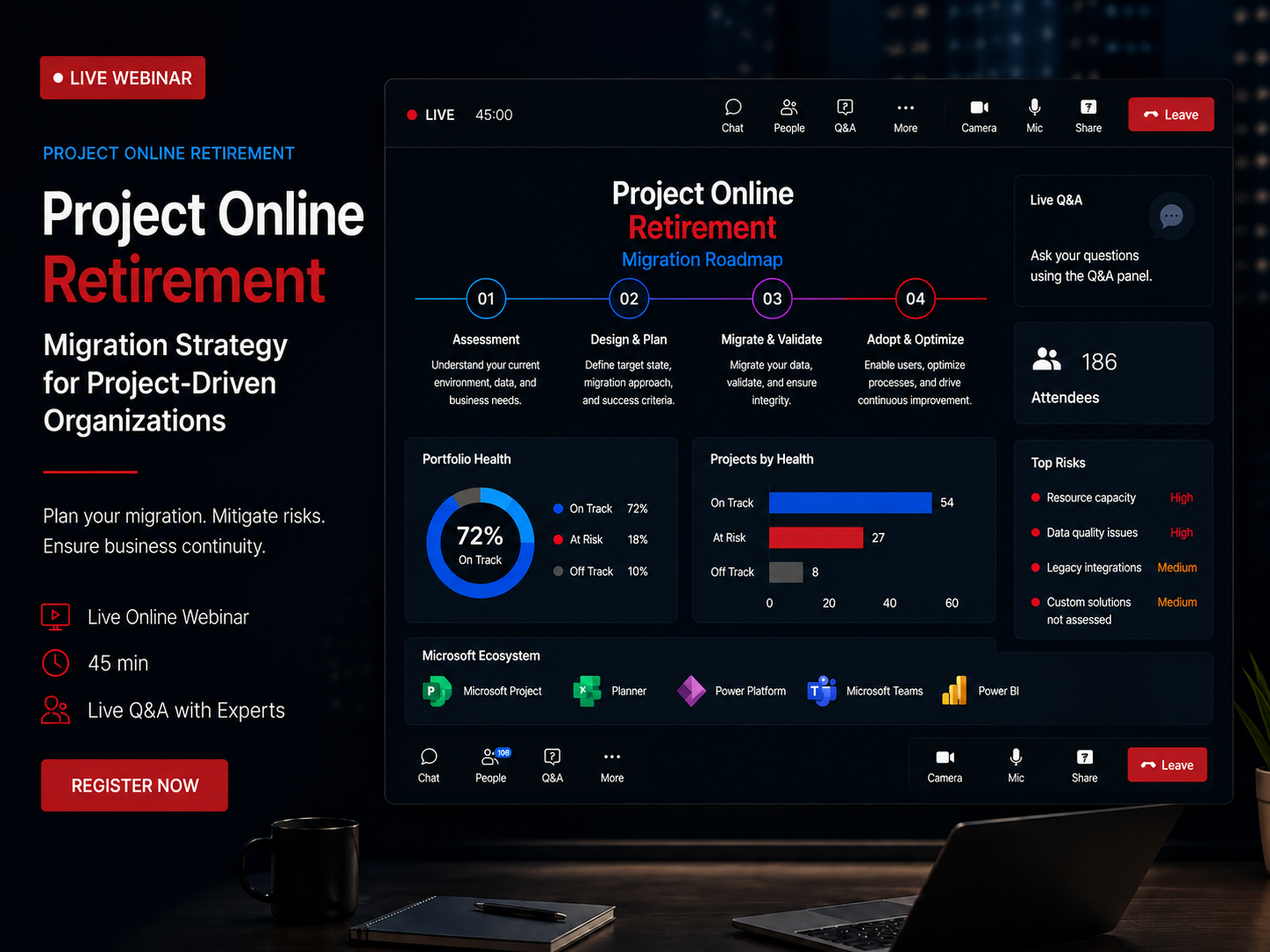
Microsoft retired Project Online on September 30, 2026. If your tenant is still accessible, treat it as borrowed time: Microsoft can switch it off without further notice. Export your data and plan the move now.
Whether you're evaluating Project Server Subscription Edition, Planner Premium + Teams4PM or OnePlan, the right migration strategy starts with understanding how your organization actually manages projects today.

Microsoft retired Project Online on September 30, 2026.
Since then:
Organizations delaying planning often underestimate how much coordination, testing, governance, and user readiness a successful migration requires.
The teams seeing the smoothest transitions are not the ones moving the fastest. They’re the ones starting early.
The organizations we work with that have the smoothest migrations are the ones that started planning early. Not the ones that moved the fastest. A successful migration involves evaluating target platforms, understanding your data, testing with real project data, training your team, and building confidence before you cut over.
Rushed migrations introduce risk: data loss, user adoption failures, and disruption to active projects. None of those are acceptable outcomes when the goal is protecting the work your team has built.
Unsupported since September 30, 2026.
If you haven't started, begin with an assessment now.
A modernized Strategic and Work Management system
Planner Premium, Power Platform, Teams, and more
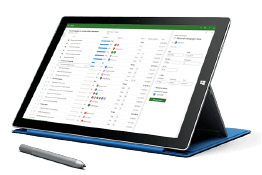
Project Server Subscription Edition: on-premise continuity
• Familiar Project Online experience
• Traditional scheduling and PMO governance
• Same navigation, workflows, and structure
• On-premise deployment and infrastructure control
• Higher IT ownership and maintenance overhead
| Question | OnePlan | PSSE (Project Server Subscription Edition | Planner Premium |
|---|---|---|---|
| Primary Use Case | Enterprise PPM with strategic portfolio management, resource planning, and financial control. Supports Agile, Waterfall, and Hybrid. | Management (EPM/PPM), PMO-driven, complex schedules | Team-based work with optional structured project management when extended with solutions like Teams4PM |
| Hosting Model | Cloud-native SaaS on Azure. No infrastructure required. | On-premises or IaaS (e.g., Azure) SharePoint farm | Cloud-only, in your M365 tenant |
| Scheduling Capabilities | Full project scheduling via Project for the Web and MS Project desktop integration. Critical path, dependencies. | Full MS Project-style scheduling, dependencies, baselines, resource leveling | Simplified task scheduling natively, extended with structured scheduling (Gantt, dependencies, milestones) when combined with Teams4PM |
| Portfolio / Governance | Advanced portfolio management with Portfolio Kanban, OKR alignment, scenario planning, capacity analysis. | Strong portfolio selection, approvals, workflows, custom fields, reporting | Limited portfolio governance natively; can be extended with portfolio visibility, governance, and standardization using Teams4PM |
| Integration | OneConnect platform: Native M365 (Teams, Azure DevOps, Power BI) plus external systems (Jira, ServiceNow, Salesforce, ERP) with bi-directional sync. | Deep integration with Project Professional, SharePoint, SQL/BI | Deep integration with Teams, Loop, Outlook, OneDrive; ties into broader M365 apps |
| Reporting & Data | Pre-built Power BI report packs for portfolio, resource, and financial analytics. OData access. Real-time insights. | Robust reporting via SQL, Power BI, and data warehouse-style access | Modern reporting via Power BI / Graph data, lighter but improving over time |
| Customization | Extensive via Power Platform (Power Apps, Power Automate). Custom fields, workflows, forms without code. | High – workflows, fields, extensions, integrations | Moderate – Power Platform, rules, automations, but within SaaS constraints |
| IT Control & Compliance | Enterprise security: Azure AD, SSO, MFA, compliance standards. Tenant-level data isolation. RBAC. | Maximum control over environment, patching, and data residency | Microsoft-managed platform; governance via M365 admin, Purview, security & compliance |
| User Experience | Fused Microsoft Experience" - Work directly in Teams, SharePoint, Azure DevOps. Modern, intuitive UI. | Familiar to seasoned PMs, steeper learning curve for casual users | Modern, intuitive, designed for everyday users and cross-functional teams, with the ability to scale into structured project environments via Teams4PM |
| AI Capabilities | ✅ Sofia GPT assistant, Insights AI analytics, automated recommendations | ❌ No built-in AI capabilities | ⚠️ Limited AI features (Microsoft Copilot integration) |
| Total Cost of Ownership | Predictable SaaS pricing. No infrastructure costs. Includes support, updates, maintenance. | Higher – infrastructure, patching, admin, upgrades, plus licensing | Lower – SaaS model, no infrastructure, license-driven cost per user |
Choose Project Server Subscription Edition if you:
Typical fit: Large enterprises, regulated industries, central PMOs with complex, interdependent projects.
Weighing Planner Premium against Project desktop or Project Server Subscription Edition? Read our comparison: Microsoft Planner vs Project in 2026.
Choose OnePlan if you:
Need enterprise PPM in the cloud without infrastructure burden
Require strategic portfolio visibility with resource capacity and financial tracking
Want strong integrations with tools like Jira/Azure DevOps/ServiceNow/Salesforce (via OneConnect) while staying in Microsoft 365
Prefer a modern, easy-to-adopt UX with advanced capabilities (incl. AI insights)
Typical fit: Mid-to-large enterprises, PMOs needing strategic portfolio visibility, organizations with diverse project methodologies, companies integrating multiple tools into unified portfolio view.