not add domain!
Migrating from Project Online Three Pathways - Integent
Call Us Today! 1.800.895.3254
sales@integent.com
Consulting & Advisory
Consulting / Advisory helps business and IT leaders make better decisions and turn strategy into execution-ready initiatives. Most engagements start with a Discovery Initiative to confirm outcomes, and build a roadmap.
Learn About Consulting
Data & AI
Data & AI delivers modern data platforms, analytics, and practical AI assistants built on enterprise-grade cloud tools. Integent helps you govern, deploy, and drive adoption so solutions stick and scale across your organization.
Learn About Data & AI
Support
Support keeps your solution stable, secure, and aligned with day-to-day operations. We combine functional and technical expertise with proactive monitoring, preventive maintenance, and 24/7 coverage for critical incidents.
Learn About Support
Microsoft Planner Premium
Leverage proven knowledge and experience to design and deploy Microsoft Planner Premium so your organization can manage projects, work, and resources more effectively across teams.
Learn More About Planner Premium
OnePlan
Integent can help you ensure continuity beyond Project Online by deploying OnePlan in the Microsoft Cloud—connecting portfolio governance, resources, and delivery execution for results.
Learn More About OnePlan
Microsoft Dynamics 365
Ensure business continuity with a custom cloud solution that connects your sales, service, finance, and operations teams to deliver measurable, predictable results.

Learn More About Dynamics 365
Microsoft Power Platform
Consisting of Power BI, Power Apps, Power Automate and Copilot Studio, the Microsoft Power Platform helps streamline and improve business functions.

Learn More About Power Platform
About Integent
Integent was founded in 2009 on the principles of building long-lasting relationships with customers, exceeding expectations, and providing outstanding customer service. 

We’re dedicated to providing a customized solution backed by our knowledgeable team of Microsoft experts.

Discover What Makes Us Different
News
Stay informed on Integent’s latest company updates and other important industry information. Our passion is customer success.
Read The Latest News

Videos
Learning new software doesn’t have to be difficult with our library of dozens of free training videos. Our video training always has something new.
Browse Our Training Video Library
Blog
Our industry experts share best practices and common pitfalls to avoid, in order to get the most out of your technology solutions.
Discover More

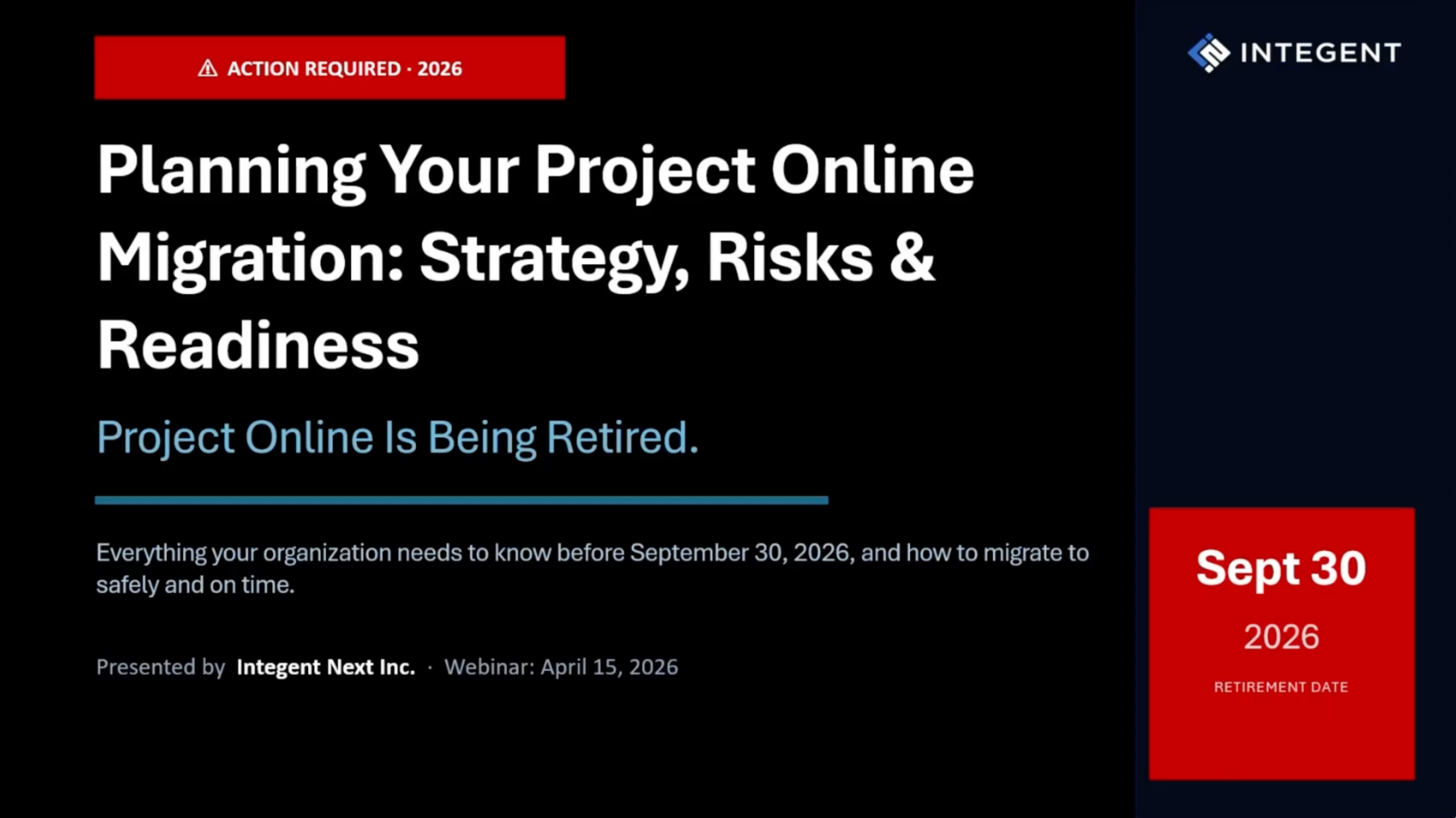
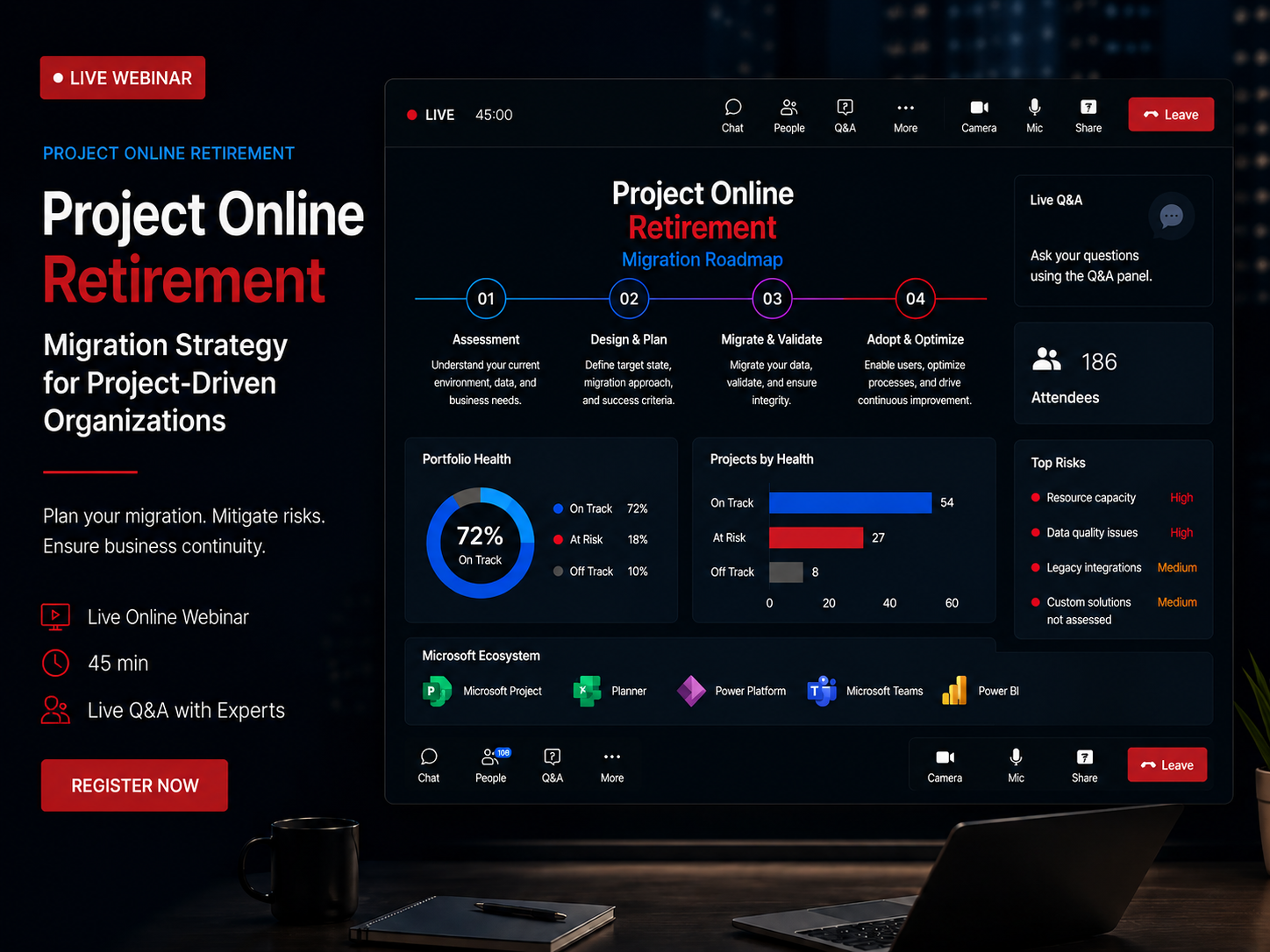
Migrating from Project Online: OnePlan, Planner Premium or PSSE?

Helping PMOs and IT teams navigate the transition — with a clear assessment, low-risk migration, and uninterrupted reporting.

Microsoft is retiring Project Online. We help you objectively assess three migration paths: Project Server Subscription Edition (PSSE), Planner Premium, or OnePlan—each serving different organizational needs:

  •  Zero Data Loss
  •  Reporting Continuity
  •  Minimal Disruption
  •  Microsoft Ecosystem


Get Started Today

At a Glance: Three Migration Paths

OnePlanBest for: Organizations needing enterprise PPM capabilities in the cloud without infrastructure burden. Ideal for strategic portfolio management, resource capacity planning, and external system integrations (Jira, ServiceNow, Azure DevOps) while staying within Microsoft 365 ecosystem.

Project Server Subscription Edition (PSSE)Best for: Organizations that need advanced, centralized PPM with deep scheduling, governance, and on-prem/hosted control. Maximum IT control with proven track record.

Planner PremiumBest for: Organizations that want simple, collaborative work management embedded in Microsoft 365 with lower complexity and a modern UX. Best for smaller organizations or teams.


Which Path Fits Your Organization?

QuestionOnePlanPSSE (Project Server Subscription EditionPlanner Premium
Primary Use CaseEnterprise PPM with strategic portfolio management, resource planning, and financial control. Supports Agile, Waterfall, and Hybrid.Management (EPM/PPM), PMO-driven, complex schedulesTeam-based work & light project management, task boards, smaller projects
Hosting ModelCloud-native SaaS on Azure. No infrastructure required.On-premises or IaaS (e.g., Azure) SharePoint farmCloud-only, in your M365 tenant
Scheduling CapabilitiesFull project scheduling via Project for the Web and MS Project desktop integration. Critical path, dependencies.Full MS Project-style scheduling, dependencies, baselines, resource levelingSimplified task scheduling, checklists, buckets, dependencies in a lighter form
Portfolio / GovernanceAdvanced portfolio management with Portfolio Kanban, OKR alignment, scenario planning, capacity analysis.Strong portfolio selection, approvals, workflows, custom fields, reportingLimited portfolio governance; best for teams and business units, not heavy PMO control
IntegrationOneConnect platform: Native M365 (Teams, Azure DevOps, Power BI) plus external systems (Jira, ServiceNow, Salesforce, ERP) with bi-directional sync.Deep integration with Project Professional, SharePoint, SQL/BIDeep integration with Teams, Loop, Outlook, OneDrive; ties into broader M365 apps
Reporting & DataPre-built Power BI report packs for portfolio, resource, and financial analytics. OData access. Real-time insights.Robust reporting via SQL, Power BI, and data warehouse-style accessModern reporting via Power BI / Graph data, lighter but improving over time
CustomizationExtensive via Power Platform (Power Apps, Power Automate). Custom fields, workflows, forms without code.High – workflows, fields, extensions, integrationsModerate – Power Platform, rules, automations, but within SaaS constraints
IT Control & ComplianceEnterprise security: Azure AD, SSO, MFA, compliance standards. Tenant-level data isolation. RBAC.Maximum control over environment, patching, and data residencyMicrosoft-managed platform; governance via M365 admin, Purview, security & compliance
User ExperienceFused Microsoft Experience" - Work directly in Teams, SharePoint, Azure DevOps. Modern, intuitive UI.Familiar to seasoned PMs, steeper learning curve for casual usersModern, intuitive, designed for everyday users and cross-functional teams
AI Capabilities✅ Sofia GPT assistant, Insights AI analytics, automated recommendations❌ No built-in AI capabilities⚠️ Limited AI features (Microsoft Copilot integration)
Total Cost of OwnershipPredictable SaaS pricing. No infrastructure costs. Includes support, updates, maintenance.Higher – infrastructure, patching, admin, upgrades, plus licensingLower – SaaS model, no infrastructure, license-driven cost per user


When OnePlan Is the Better Choice

Choose OnePlan if you:

  • Need enterprise PPM in the cloud without infrastructure burden

  • Require strategic portfolio visibility with resource capacity and financial tracking

  • Want strong integrations with tools like Jira/Azure DevOps/ServiceNow/Salesforce (via OneConnect) while staying in Microsoft 365

  • Prefer a modern, easy-to-adopt UX with advanced capabilities (incl. AI insights)

  • Need reporting continuity during migration (Power BI dashboards keep working)


Typical fit: Mid-to-large enterprises, PMOs needing strategic portfolio visibility, organizations with diverse project methodologies, companies integrating multiple tools into unified portfolio view.


Why PSSE Is The Better Choice

Choose PSSE if you:

  • Have a mature PMO and rely on detailed project scheduling, resource management, and portfolio governance.
  • Need tight control over your environment, data, and integrations (e.g., regulated industries, strict change control).
  • Already have investment and skills in Project Server / Project Online style PPM and want continuity with richer on-prem control.

Typical fit: Large enterprises, regulated industries, central PMOs with complex, interdependent projects.


When Planner Premium is the Better Choice?

Choose Planner Premium if you:

  • Want to simplify from heavyweight PPM tooling to something business users will actually adopt.
  • Run many small-to-medium projects across business units and need visibility without complexity.
  • Are heavily invested in Microsoft 365, Teams, and modern collaboration, and want work management embedded where users already spend their time.
  • Prefer a cloud-only, lower-maintenance solution with rapid feature updates from Microsoft.
  • Want to utilize AI in your Project Management practices

Typical fit: Business teams, IT groups, and departments that need structured work management but don’t need full PMO-grade PPM.  


Why This Decision Matters

Migrating from Project Online isn’t just a lift-and-shift. It’s a chance to:

  • Re-evaluate your PPM maturity and decide how much structure you really need.
  • Standardize how projects, portfolios, and operational work are managed across the organization.
  • Modernize reporting, automation, and collaboration with Power Platform and Microsoft 365.


How We Help

We specialize in Project Online migrations and can help you:

  • Assess whether OnePlan, PSSE or Planner Premium is the best fit.
  • Design a migration roadmap that minimizes disruption and risk.
  • Implement governance, templates, and reports so your new solution works for both PMO and business teams.

Schedule a 30-minute migration assessment with Amanda Kuhlman or book a Calendly meeting.

(Free, no-pressure conversation to walk through your current environment, constraints, and goals.)


Schedule A Consultation

Have a question or need you would like to dicsuss? Schedule a meeting and let's discover together how Integent can help your organization succeed with Microsoft technologies.
© Copyright 2026 | Integent.com | All Rights Reserved
linkedin facebook pinterest youtube rss twitter instagram facebook-blank rss-blank linkedin-blank pinterest youtube twitter instagram