











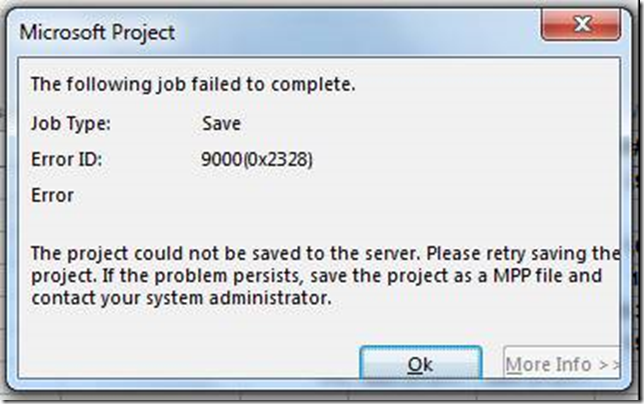
Recently had a customer that was receiving an error when attempting to save a project. The project had in excess of 5000 lines. Project Professional produced the rather vague error you see below.
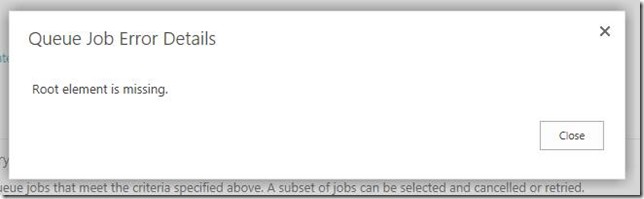
The error that showed up in the queue was equally useless
Fortunately the ULS logs was more helpful. Without increasing the verbosity at all I was able to search on the project name and get a hit.

The list view threshold is located in Central Administration at
- Application Management –> Management Web Application
- Select Web Application
- In Ribbon, click on General Settings drop-down and choose Resource Throttling
- The current List View Threshold was 5000
- In this case I increased it to 7500 and save the setting
Upon making this change I was able to successfully save the project

